
If you can dream it, we can find it.
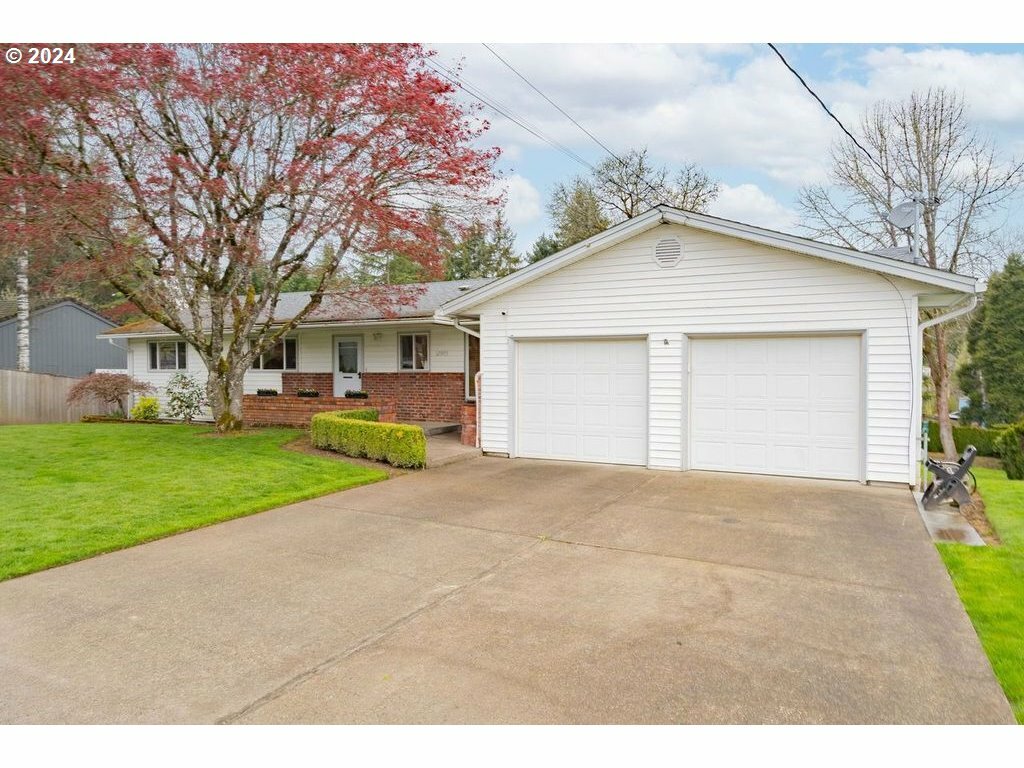
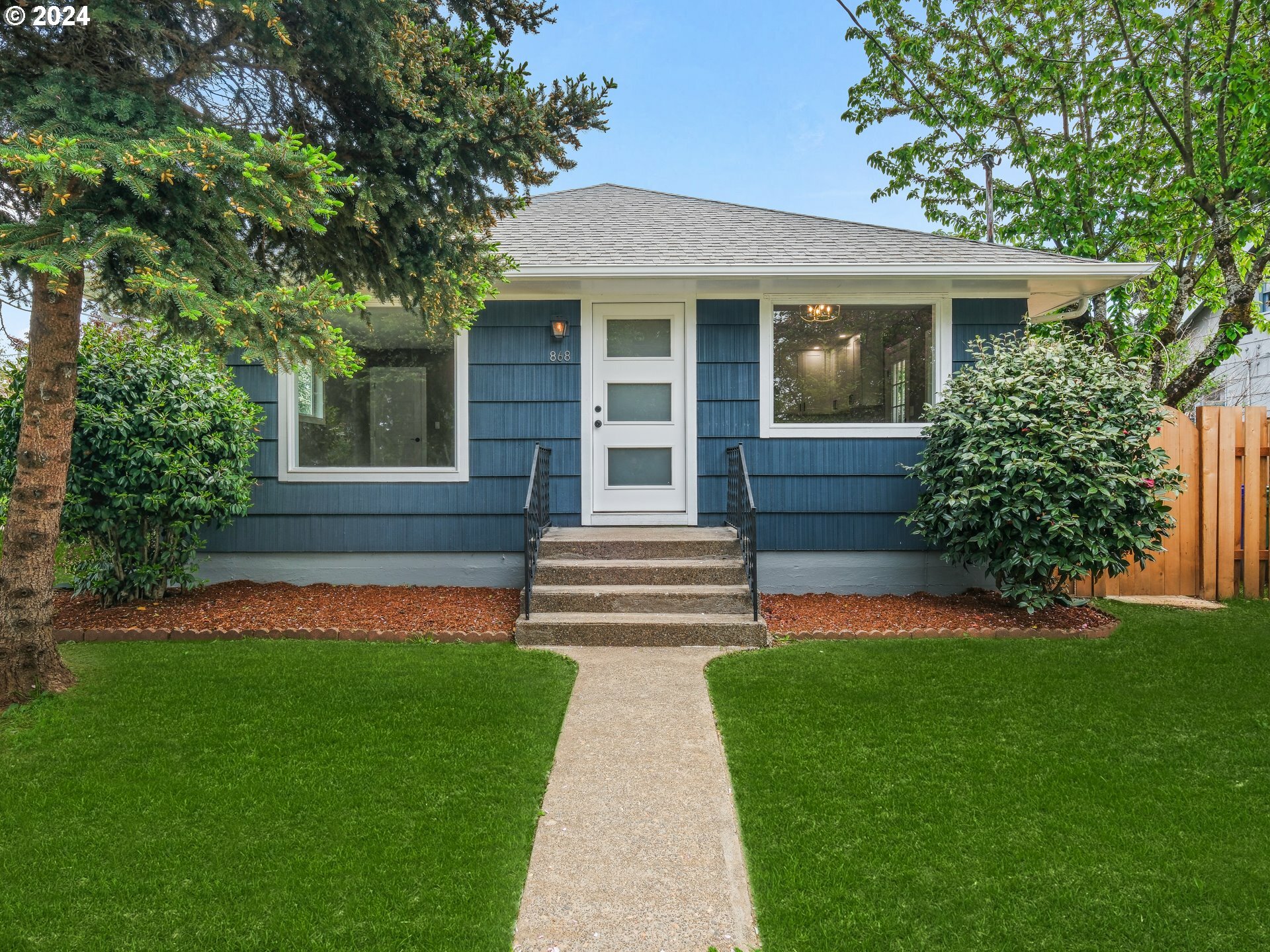
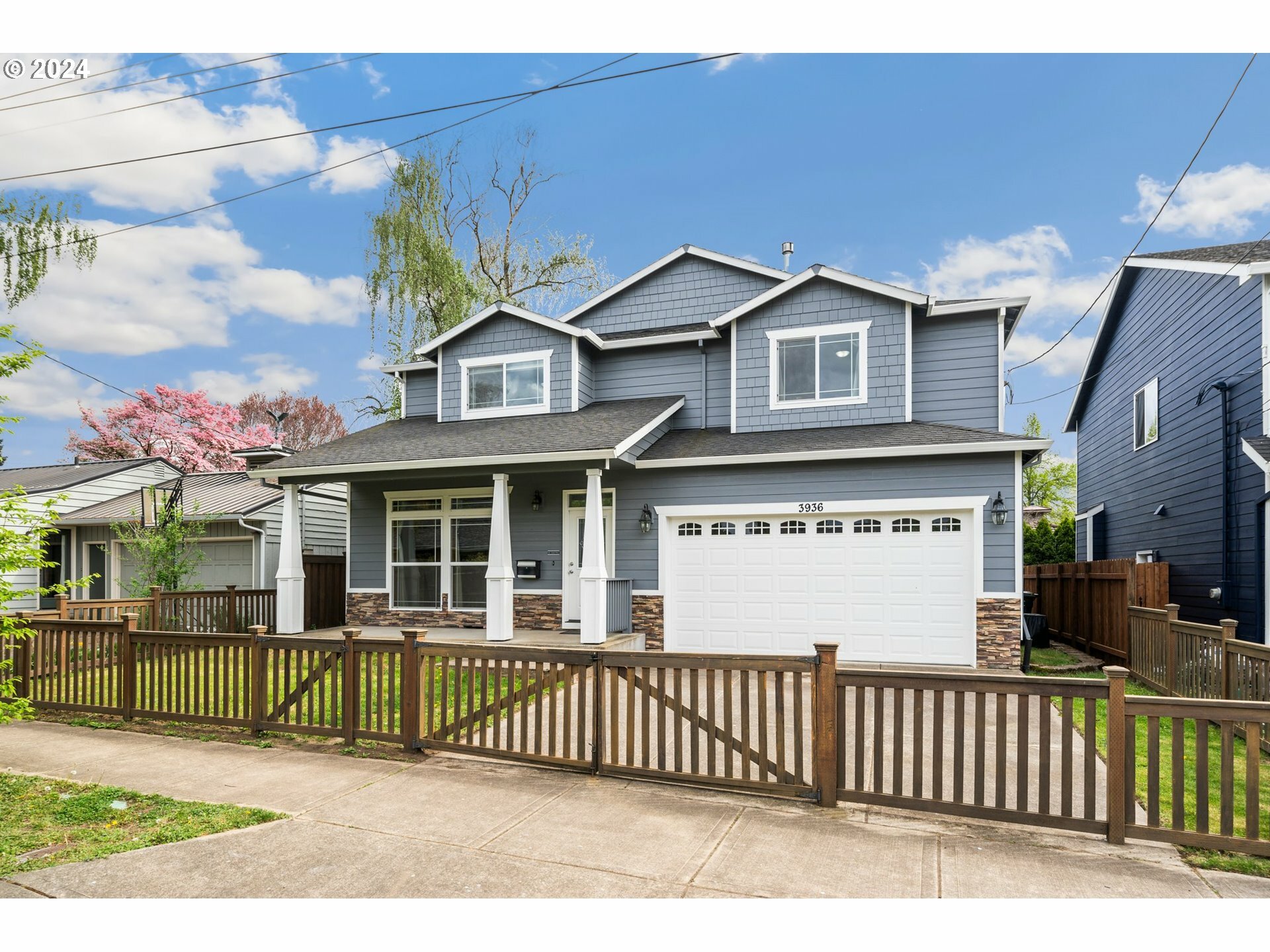
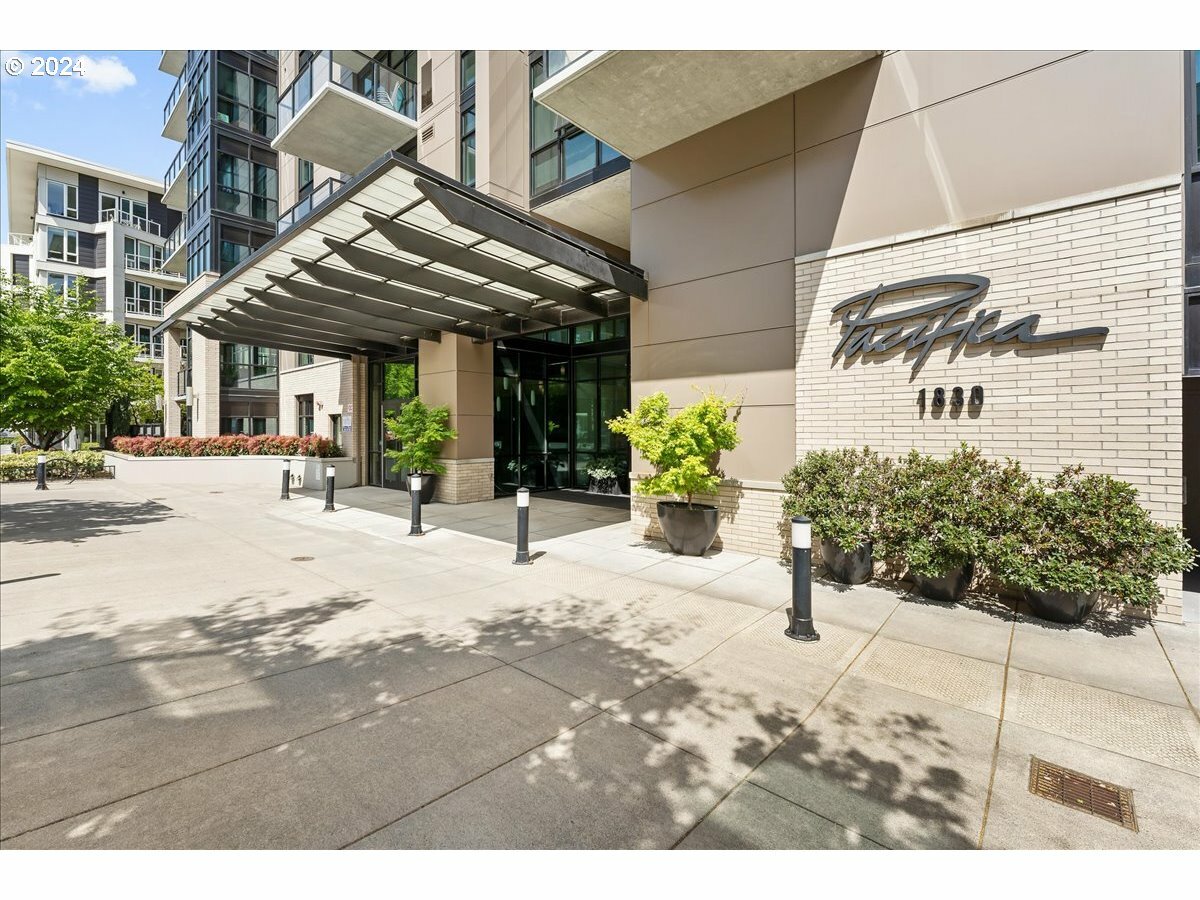
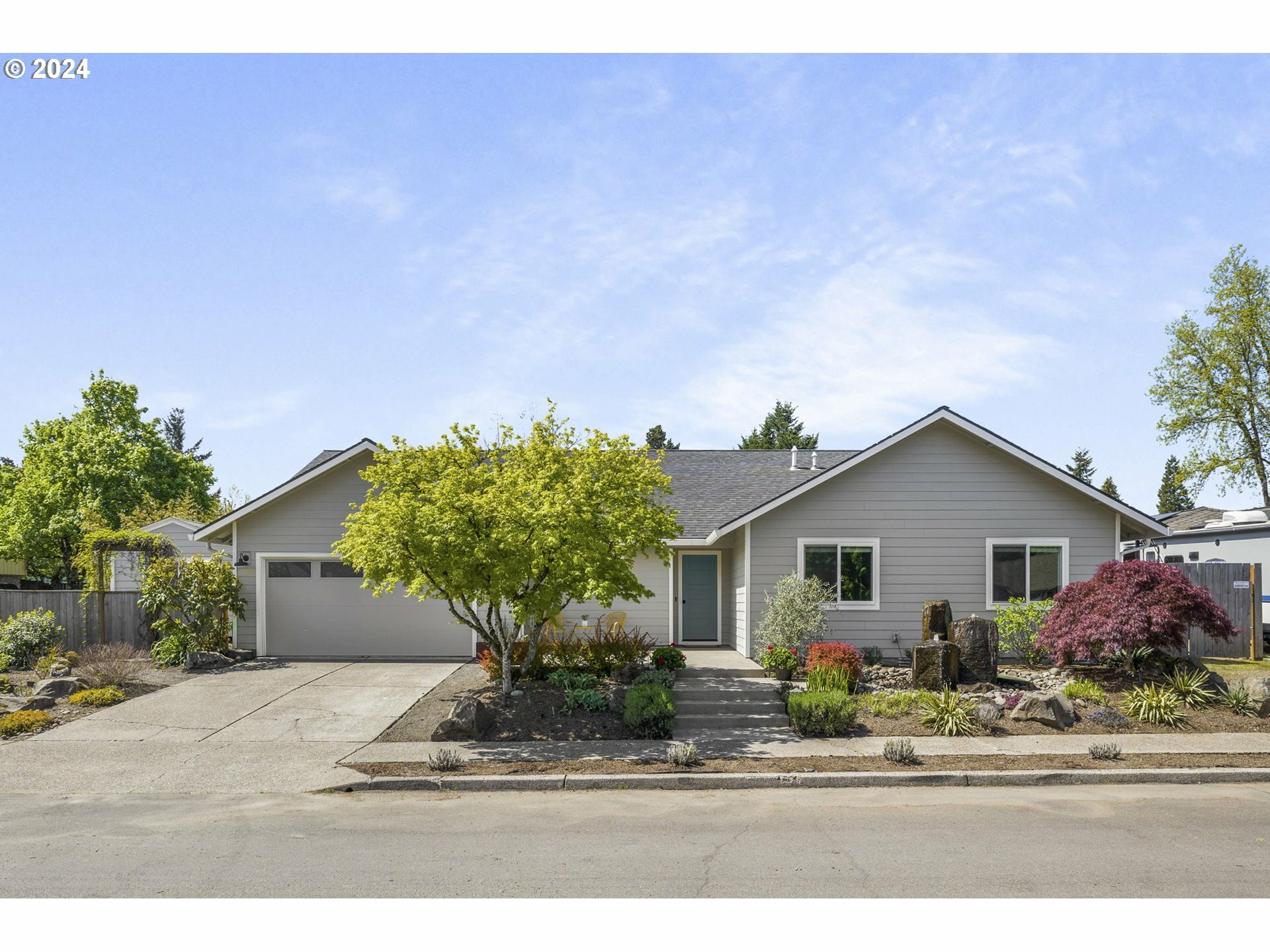
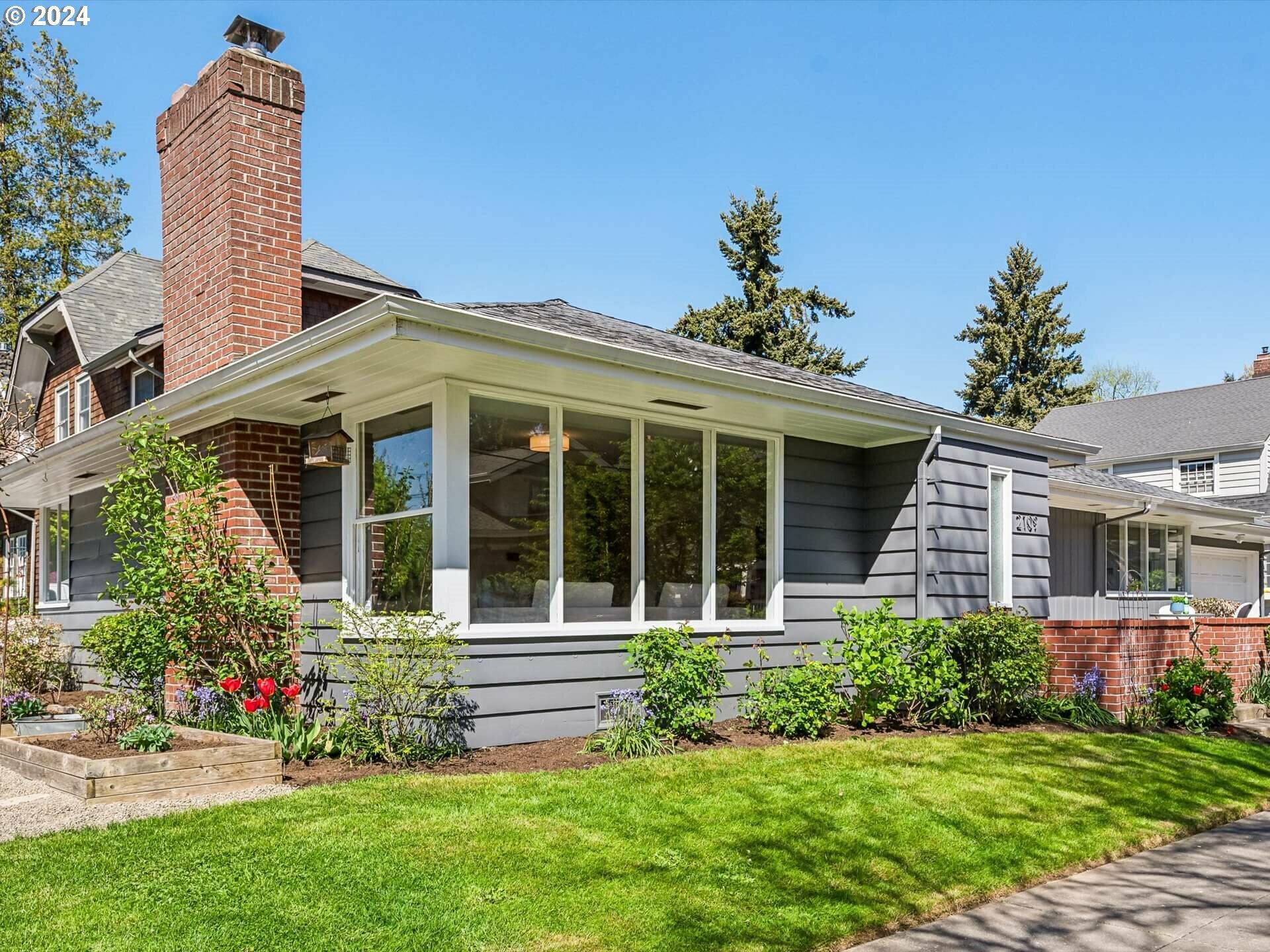
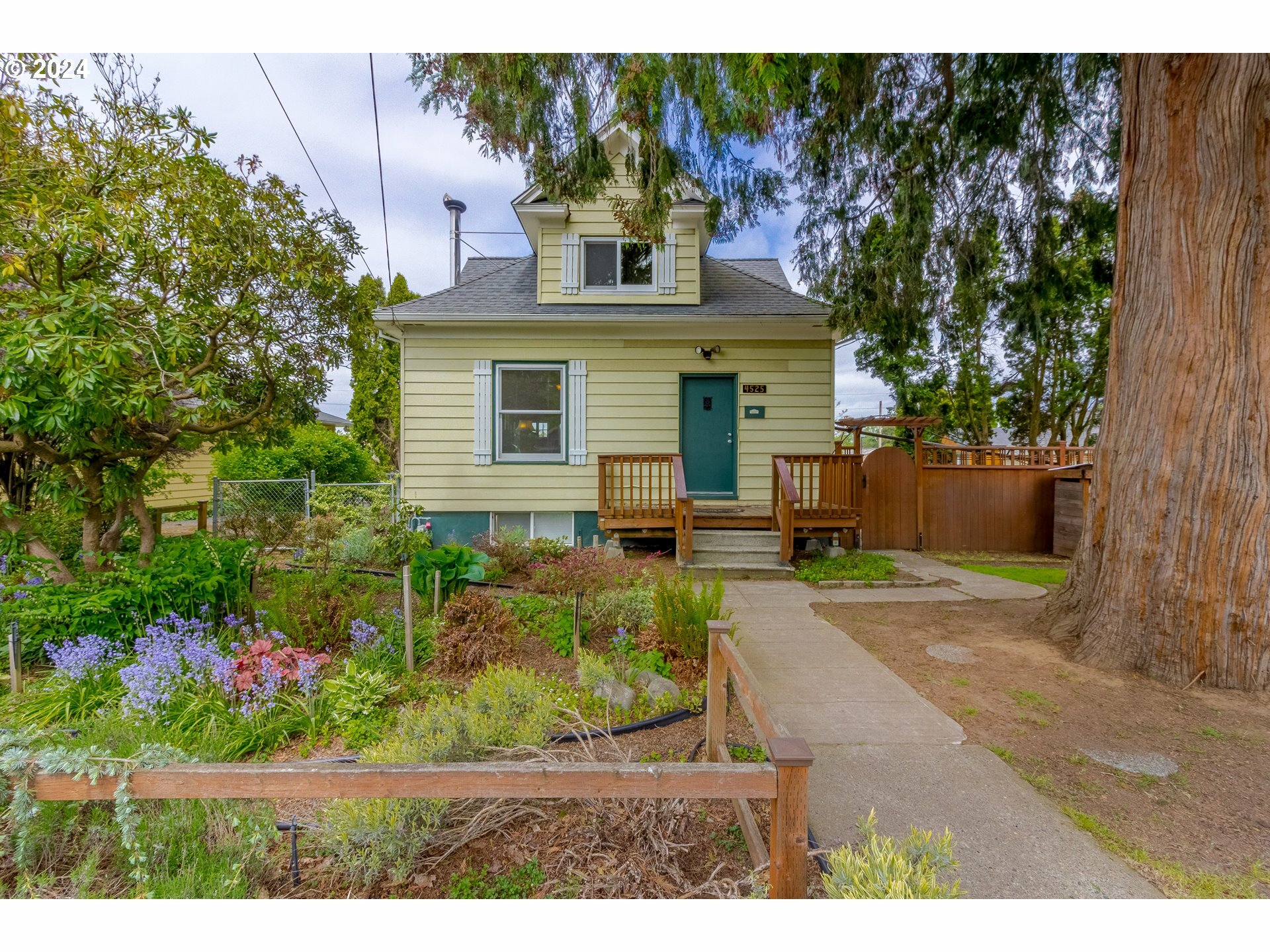
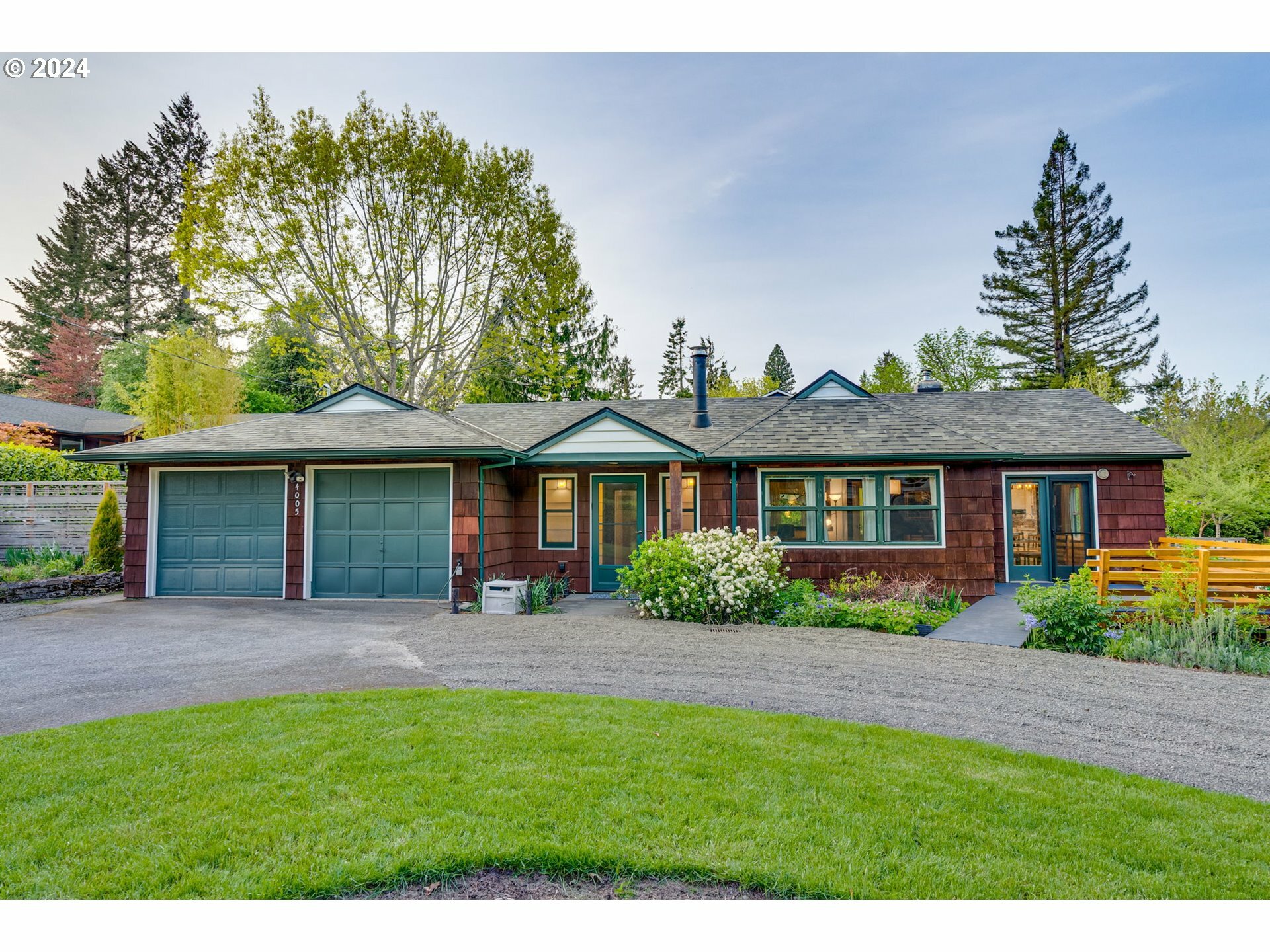
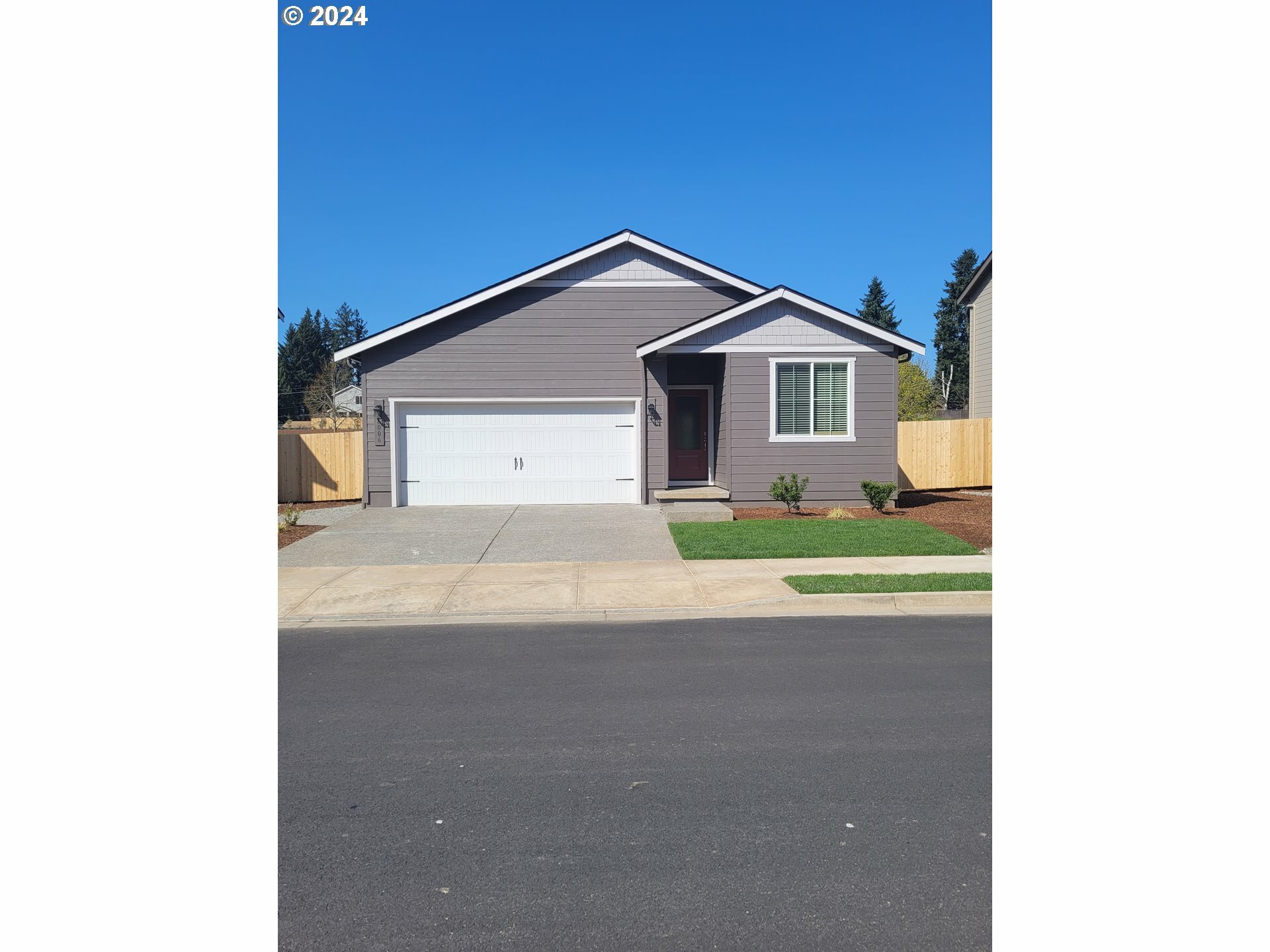
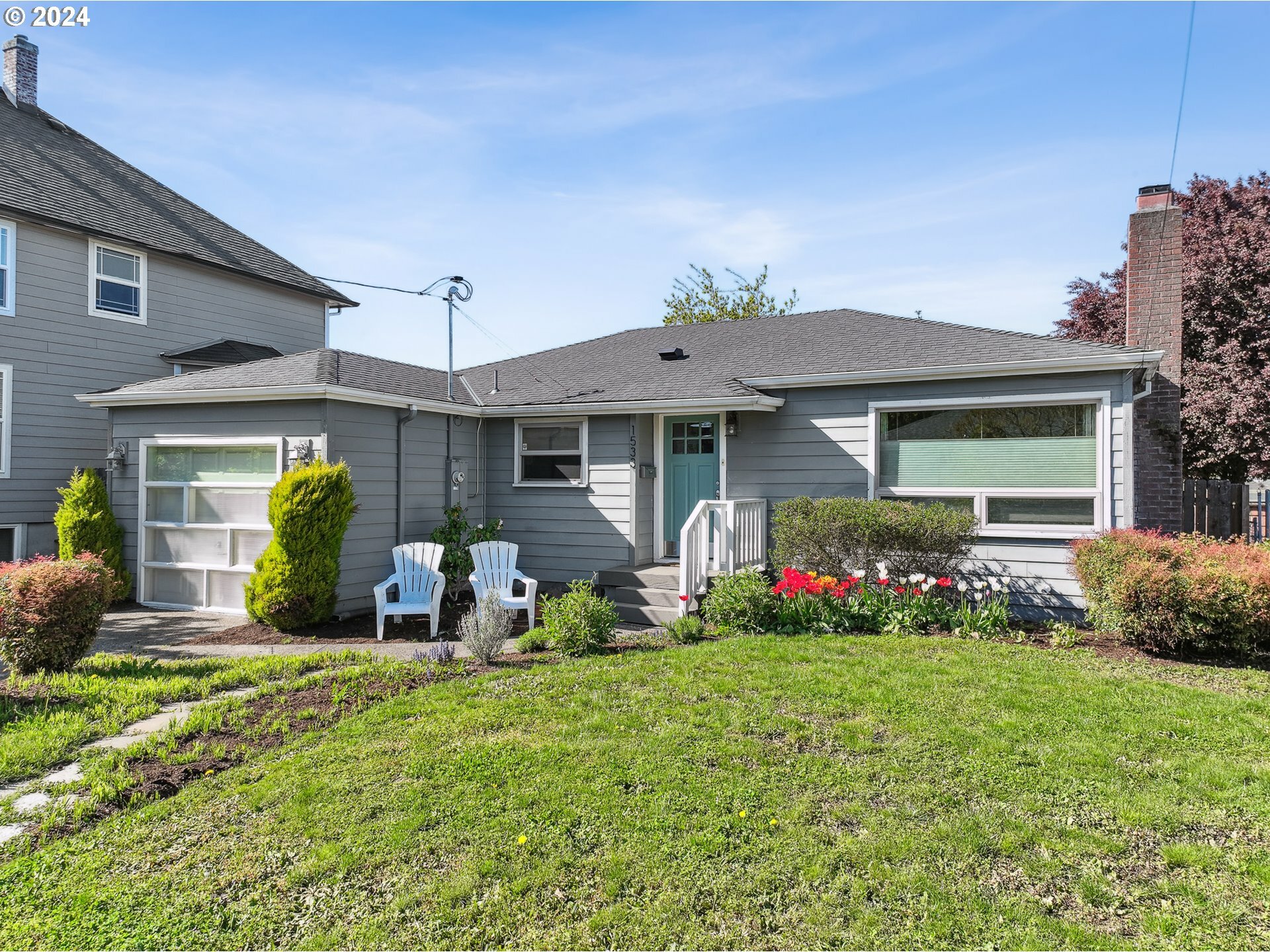
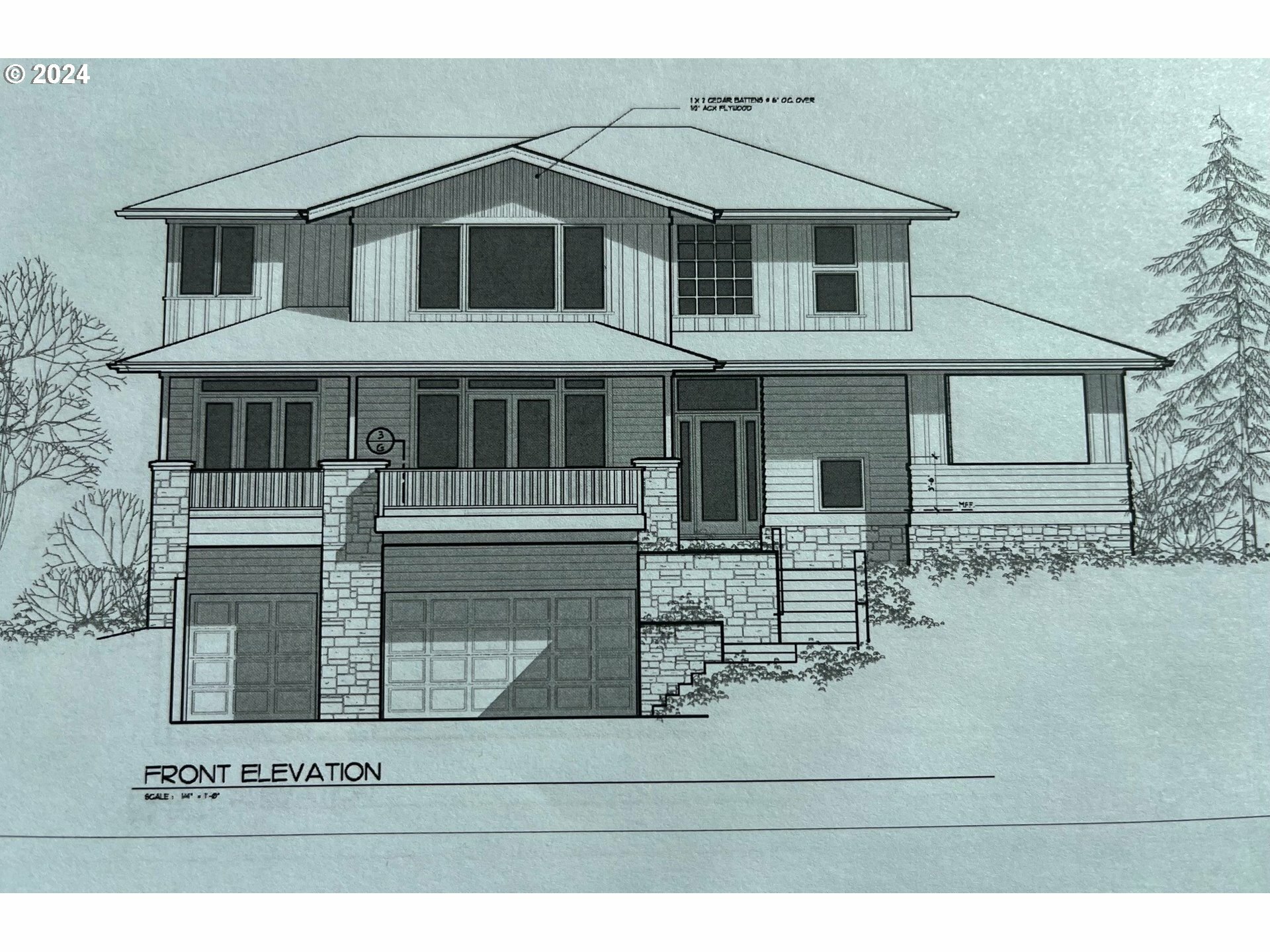
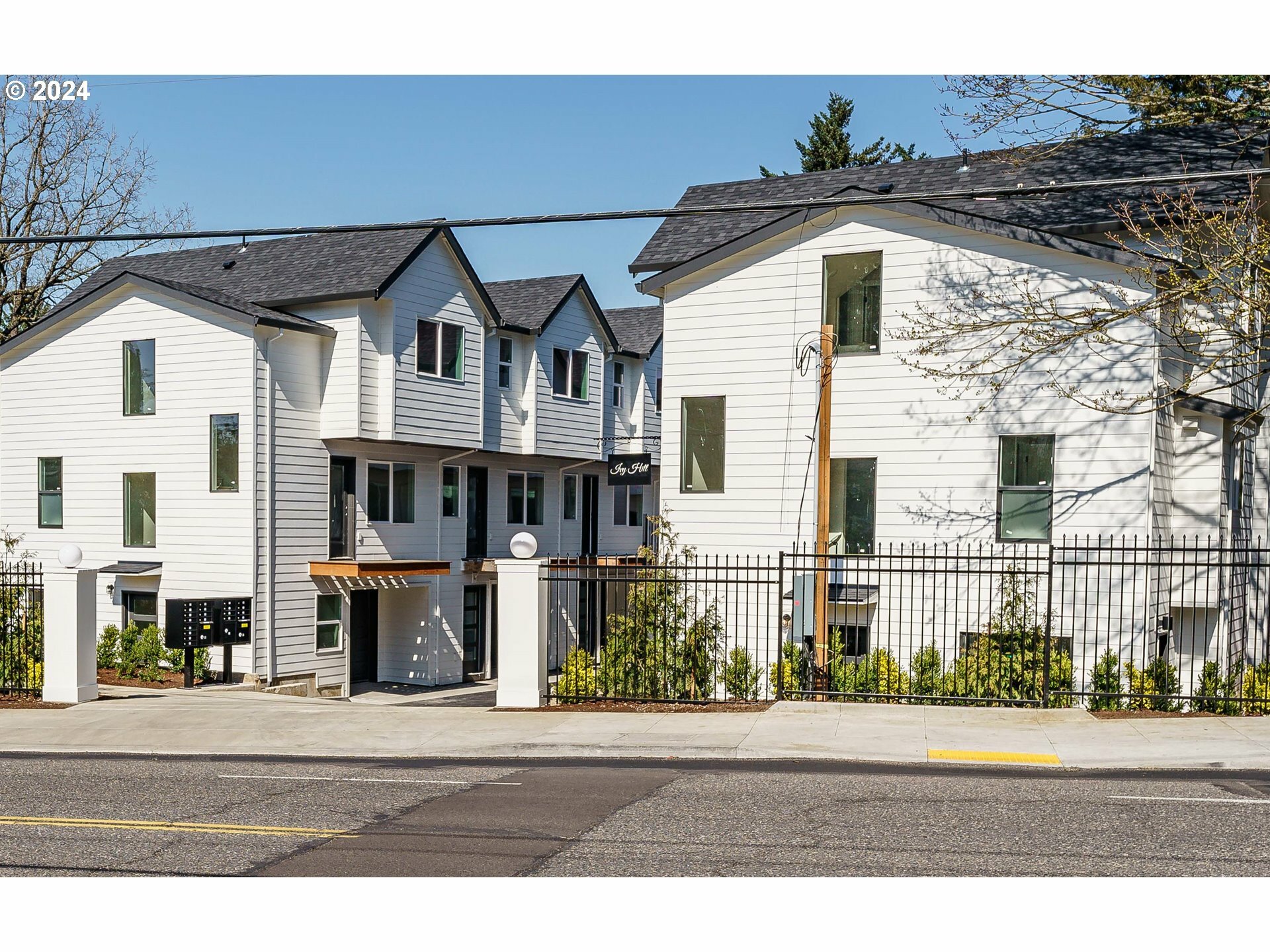
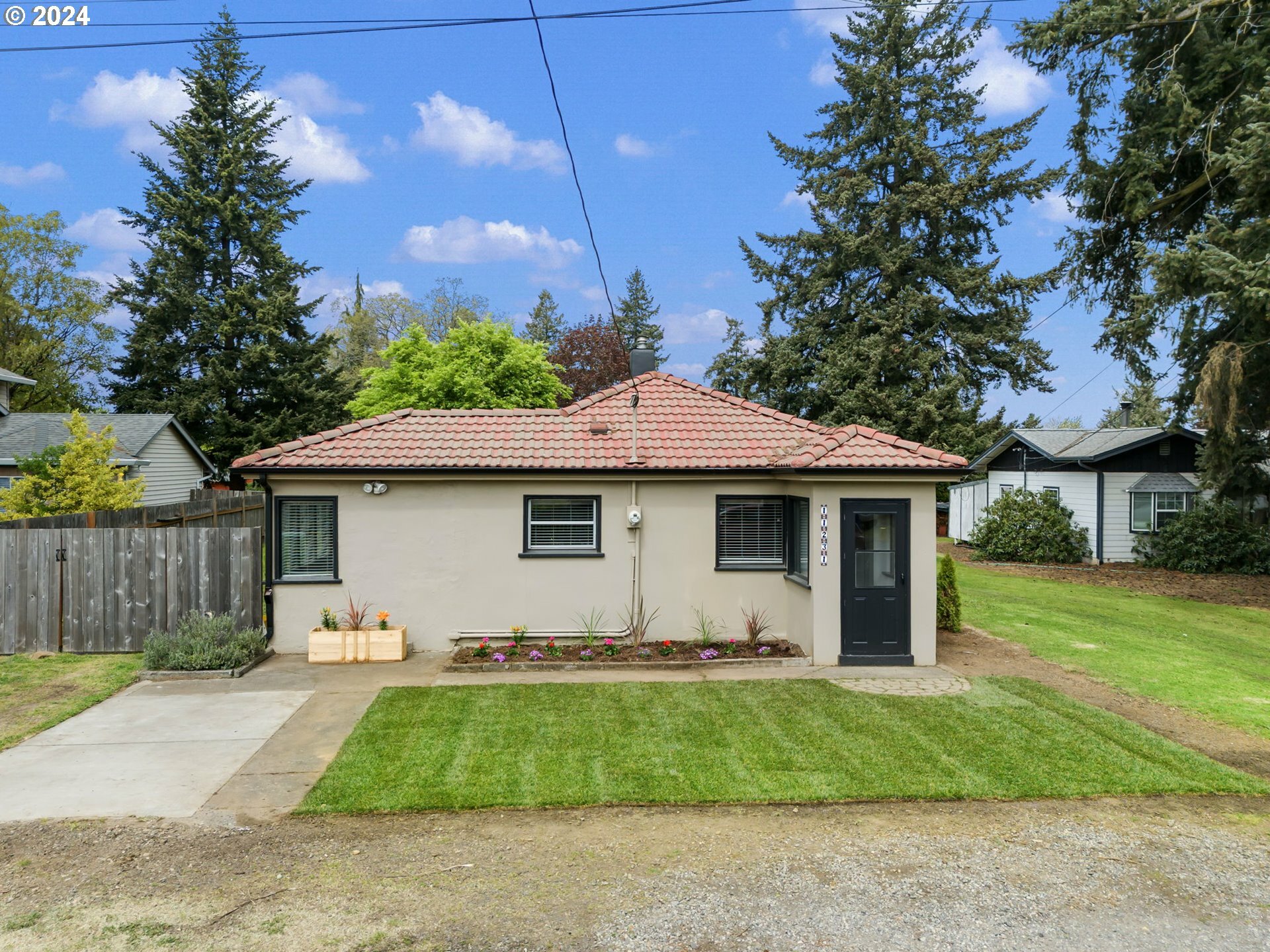
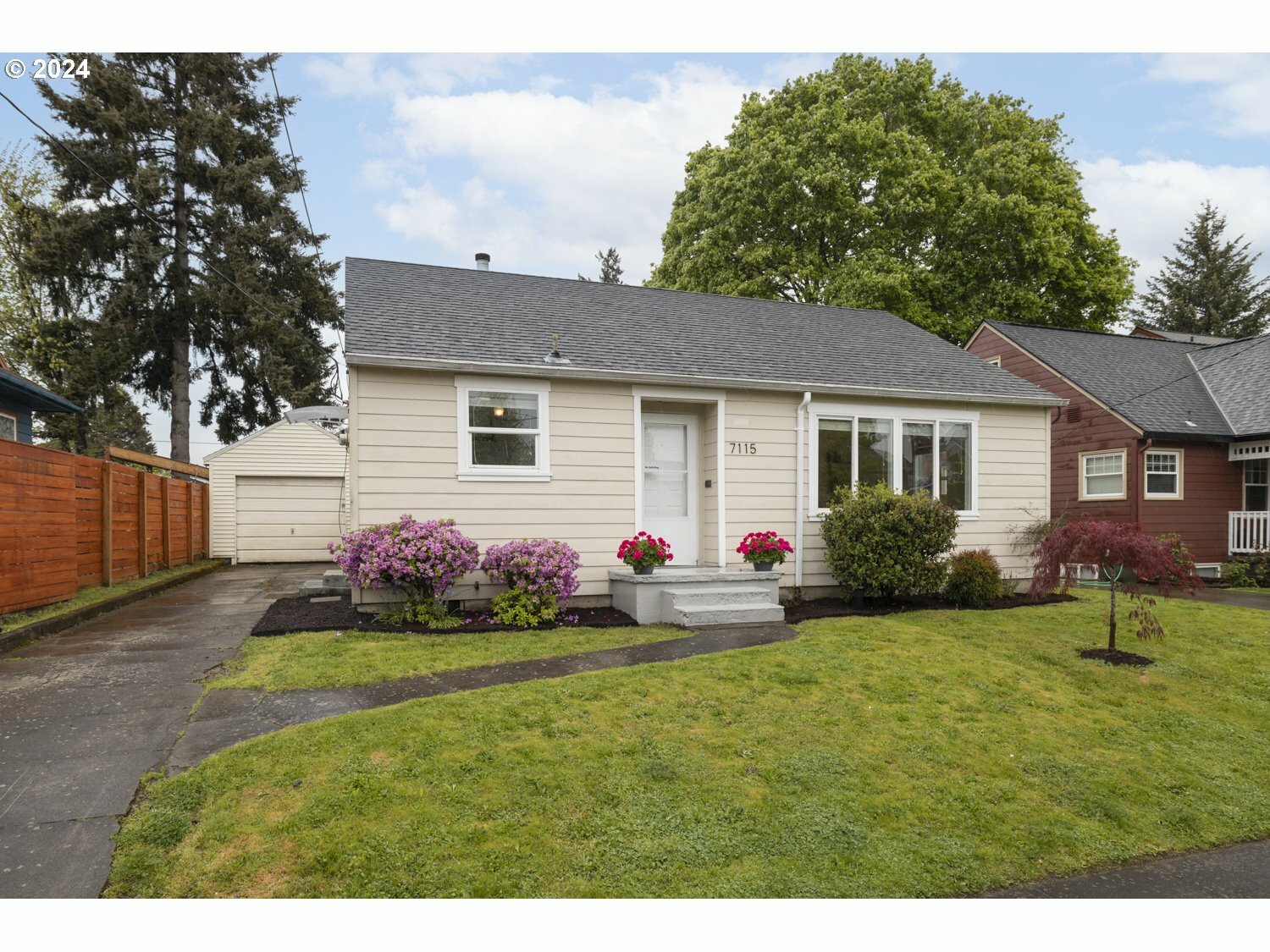
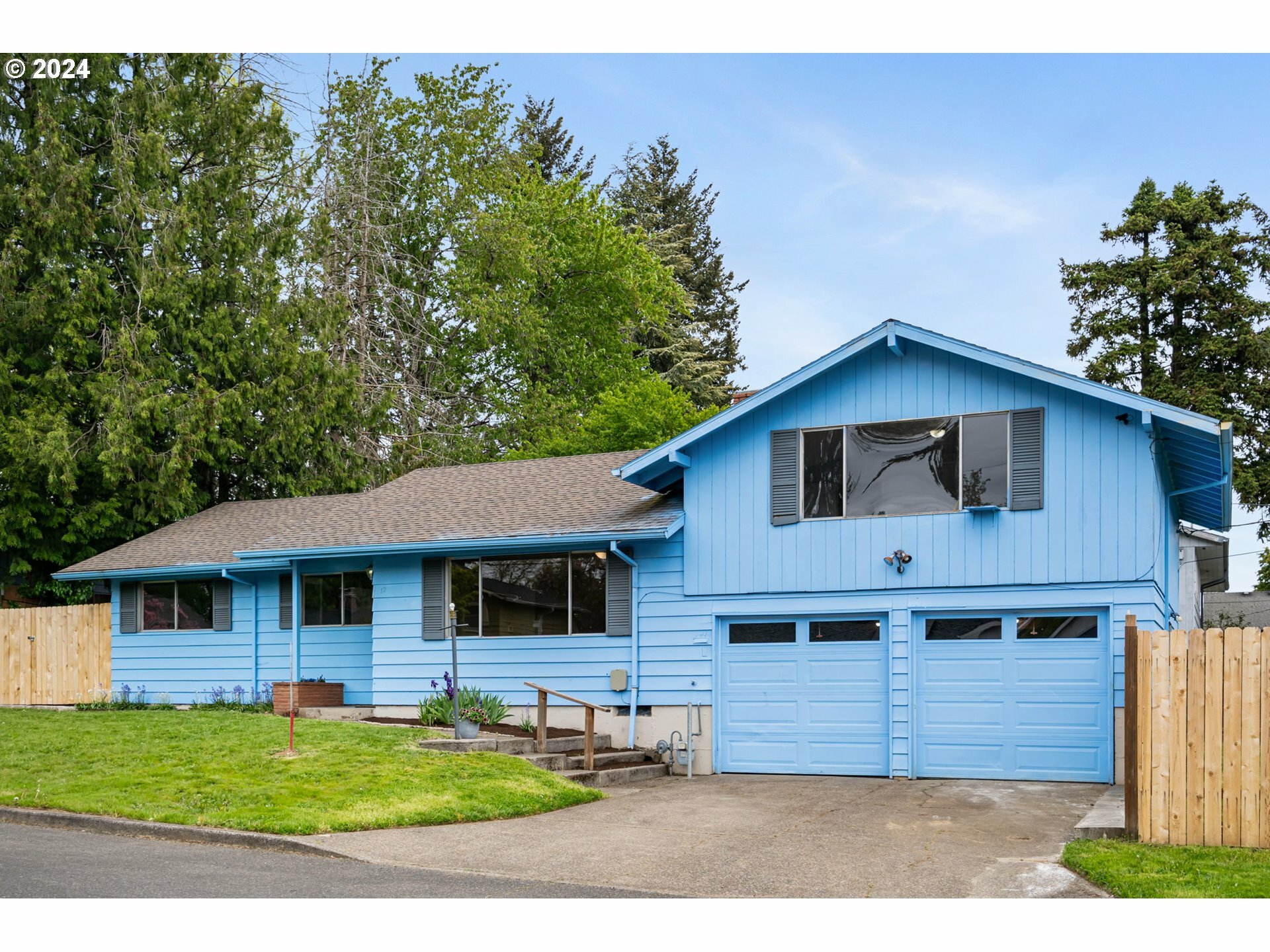
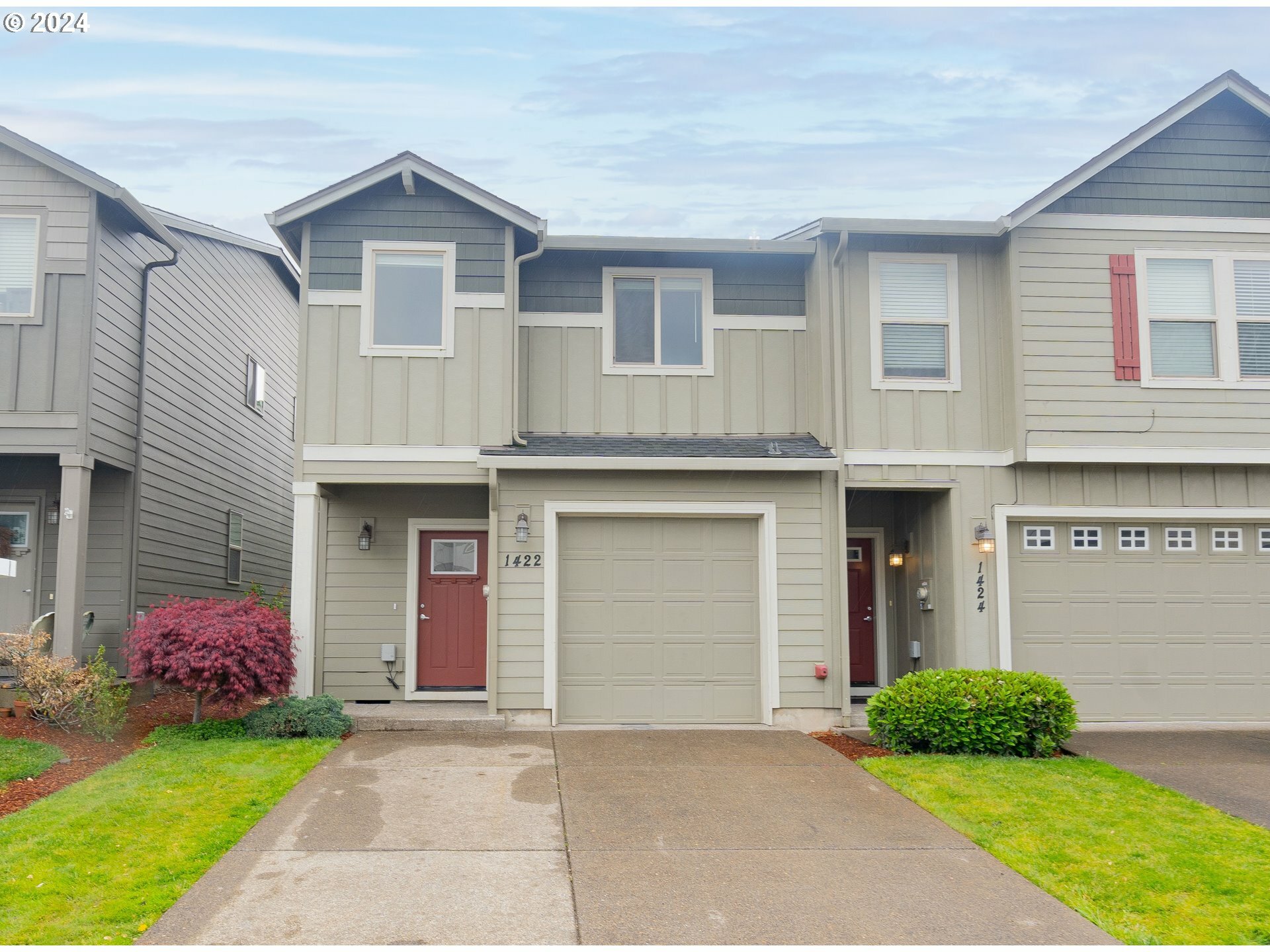
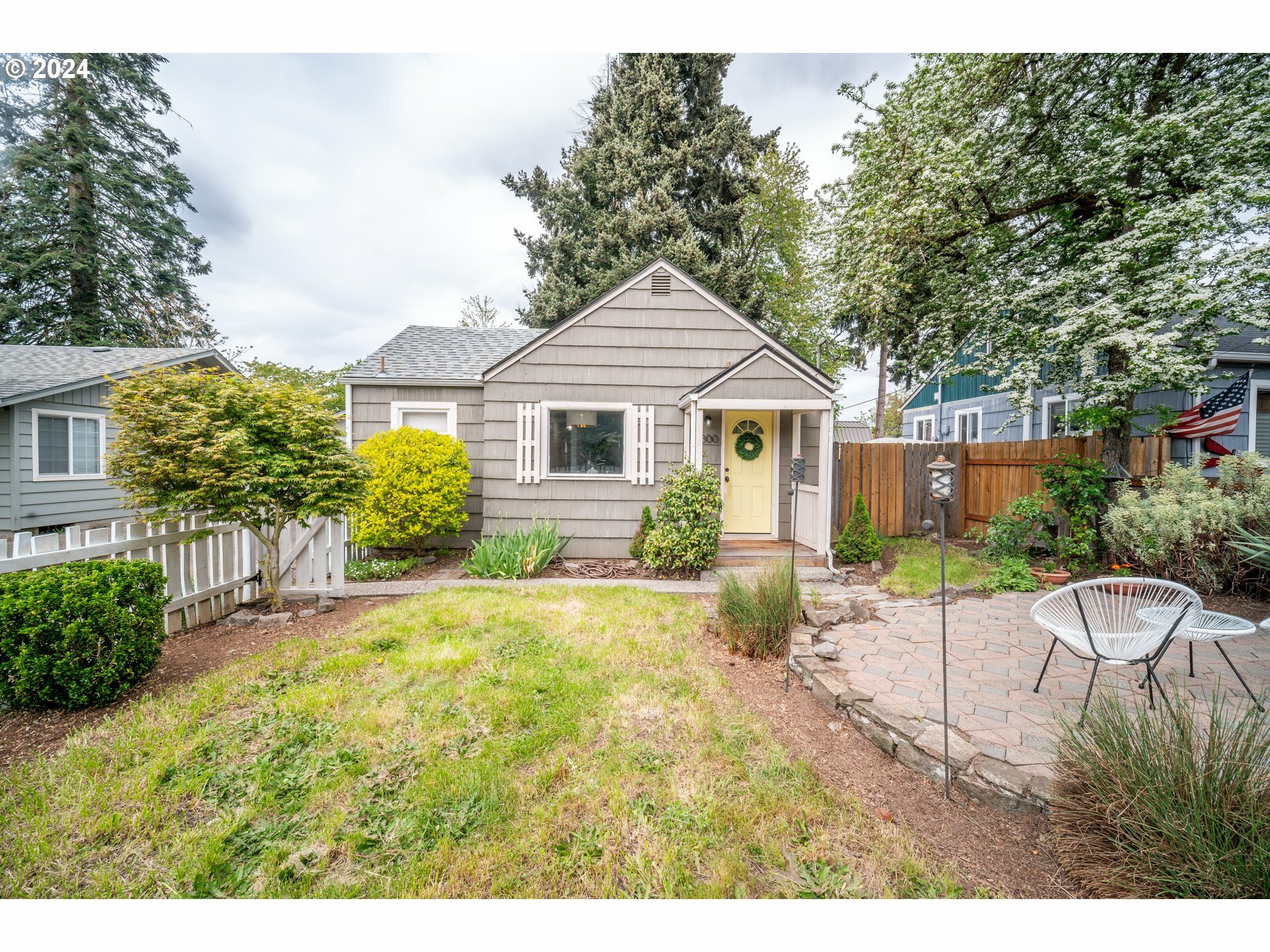
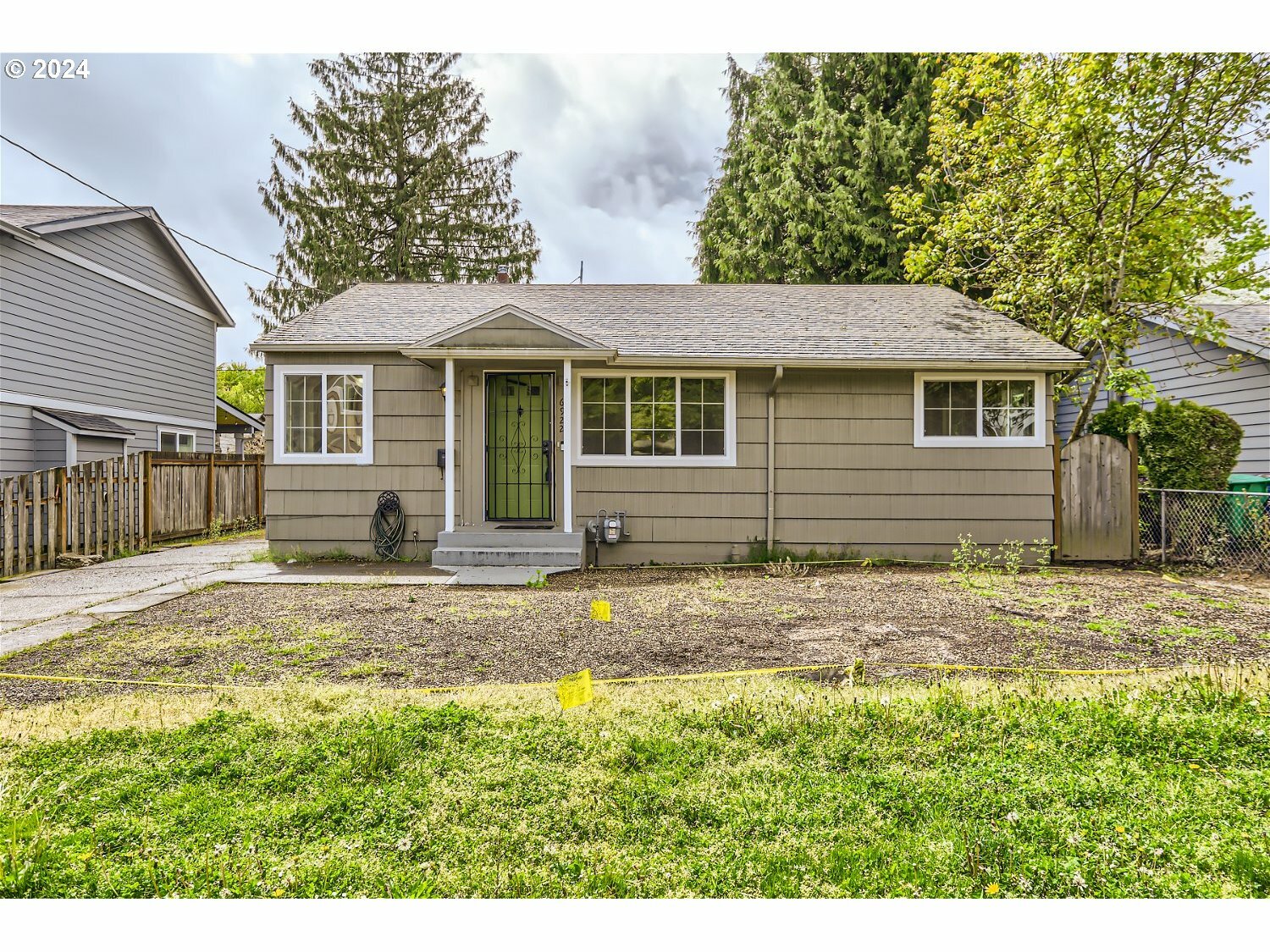
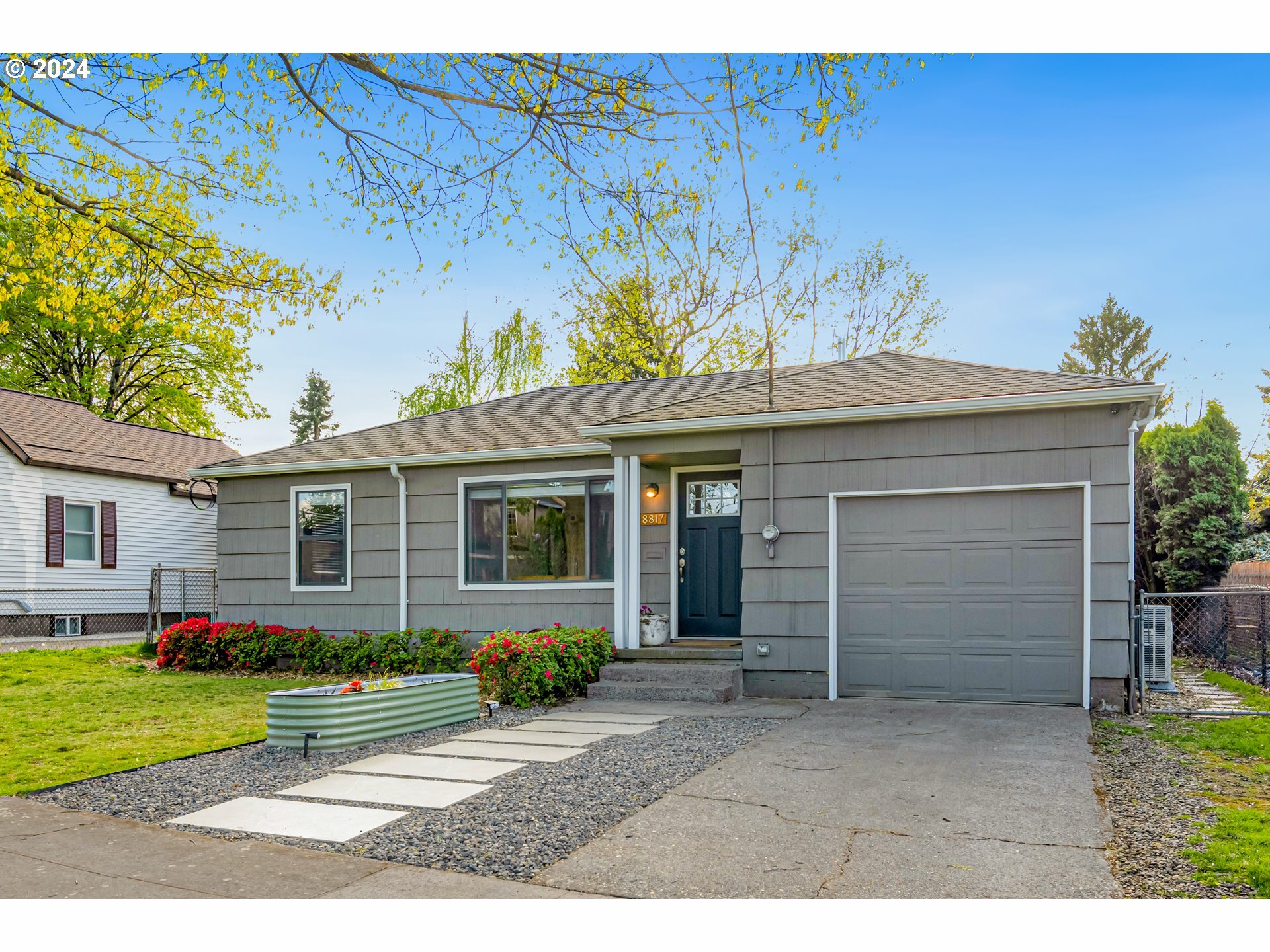
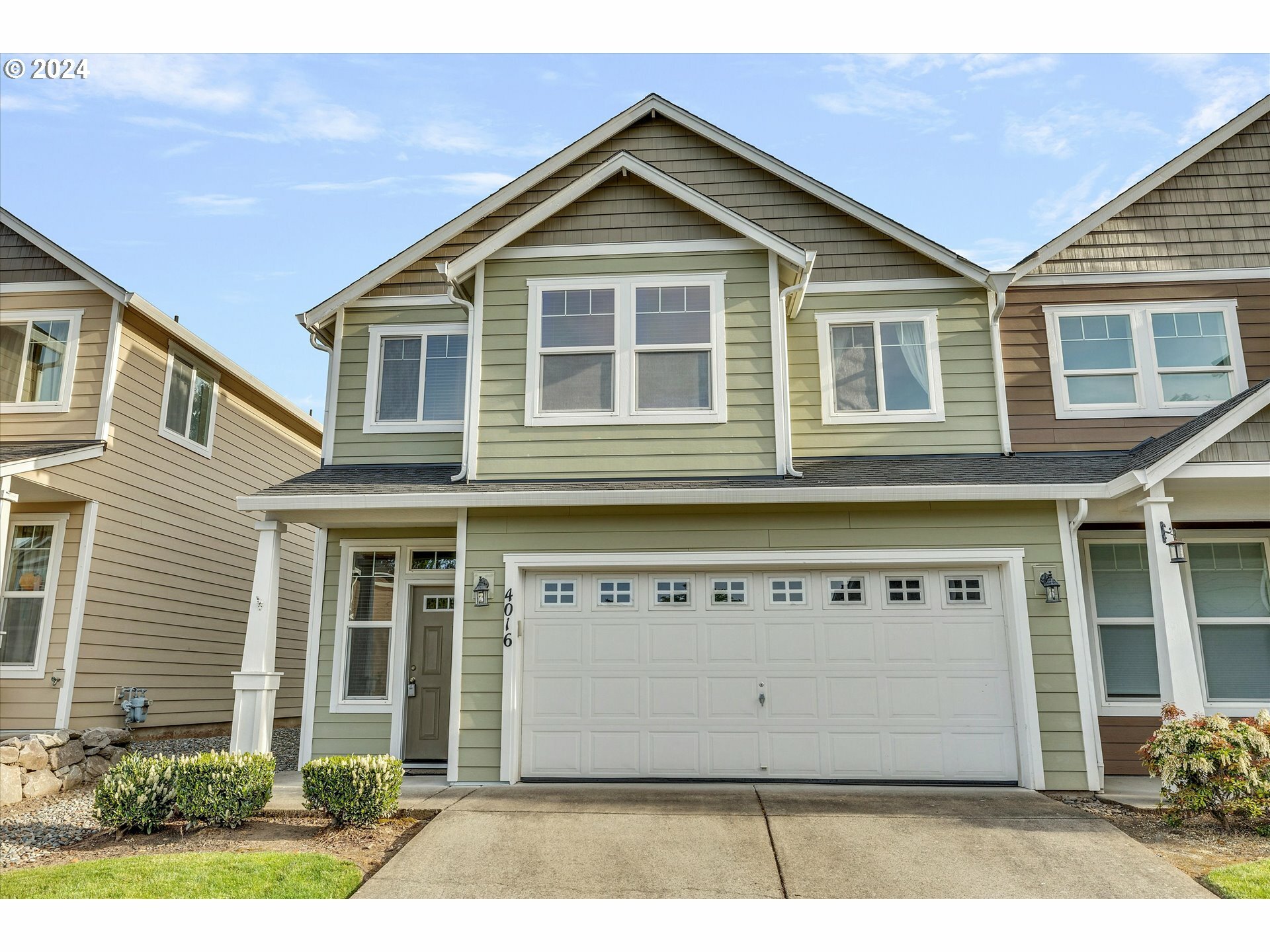
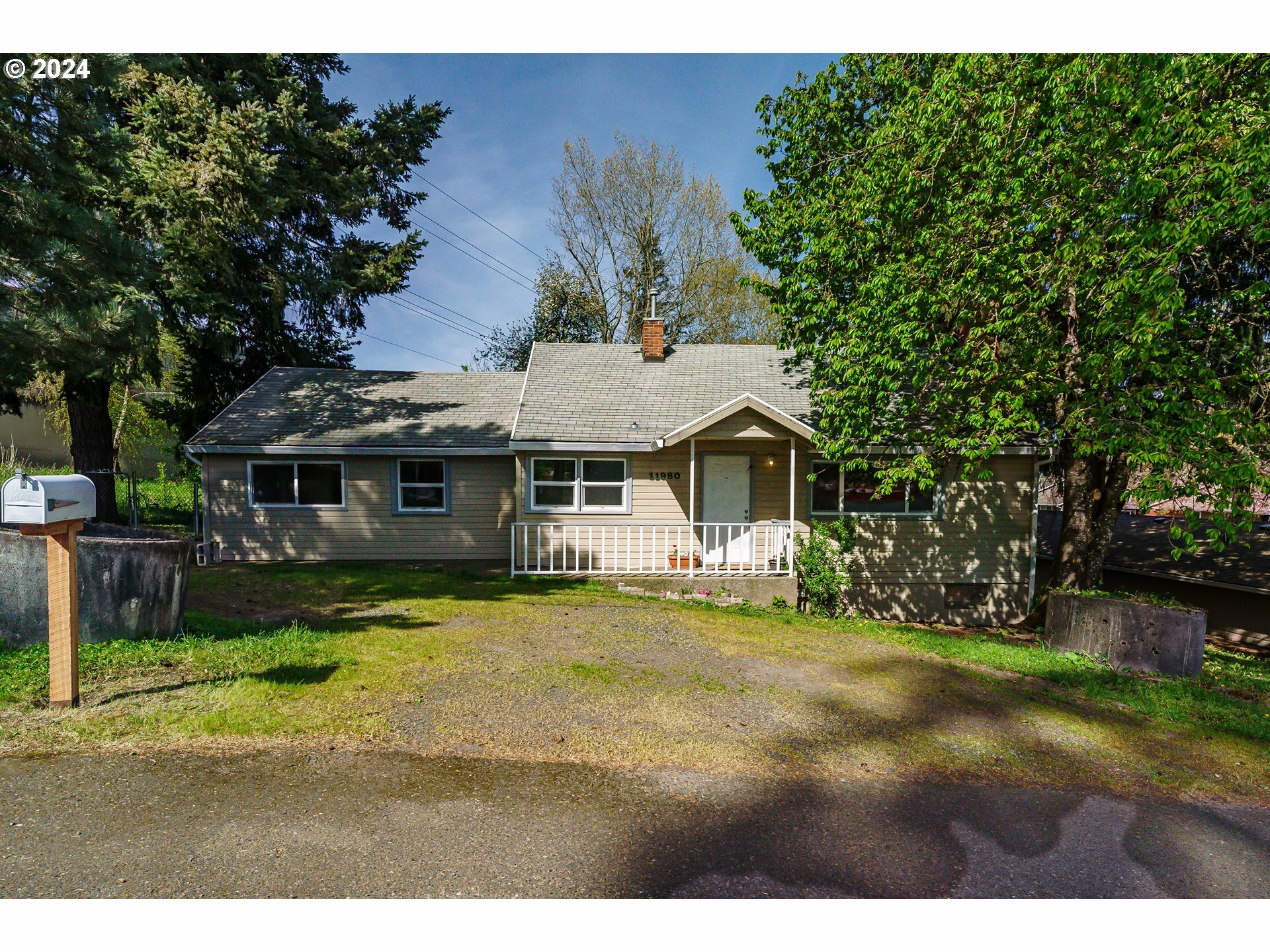
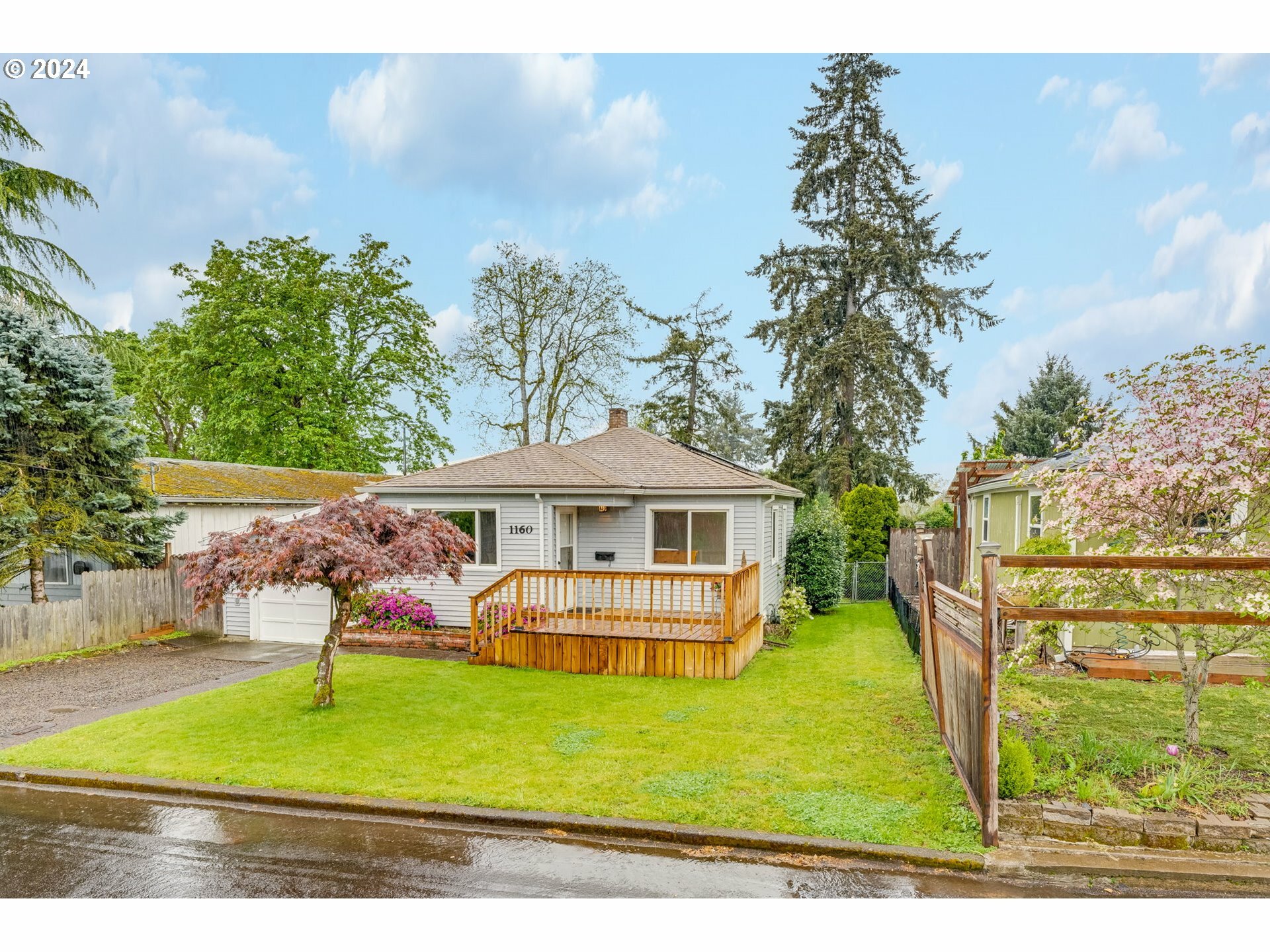
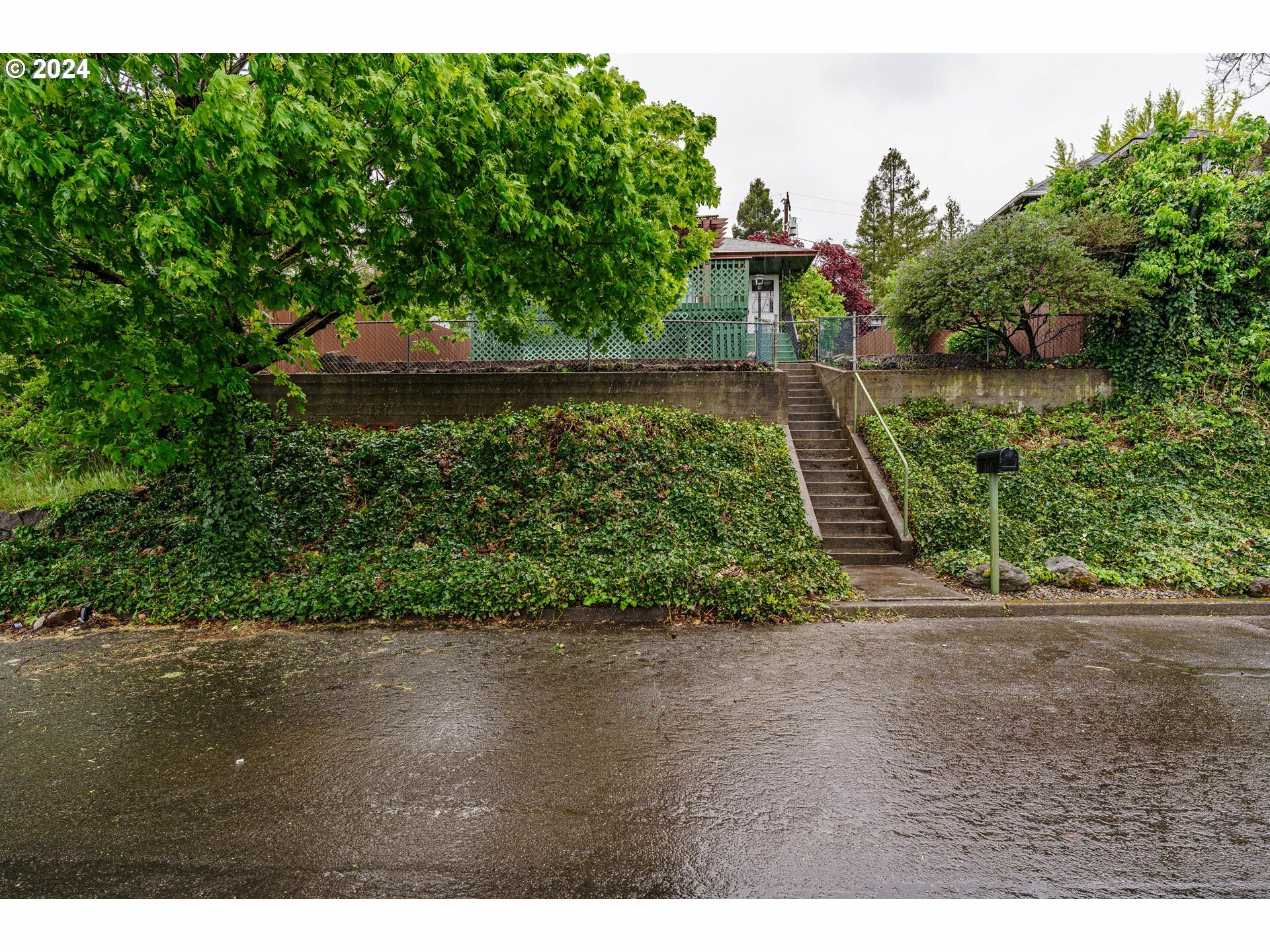
New to the Market



Buyers
Our agent population is the most valuable asset we have. We are committed to surrounding ourselves with those we would trust working with the most important people in our lives.
Sellers
We attract real estate professionals who approach their business with a service mindset and put the treatment of their clients and betterment of their communities above their commissions.
Agents
You've found your purpose. Now find your people.
Our collaborative environment invites our brokers to help shape the future of our brand. Our agent population and leadership teams are committed to keeping current, sharing resources, and driving positive change. Our people are advocates for clients, colleagues, and communities alike.
Start Your Search
Connect With Us
Find a Windermere Realty Trust Office
© 2019 Windermere Realty Trust, All rights reserved.
Terms Of Use | Privacy Policy
